
Fit PDF with height of the container
See original GitHub issueI am trying to fit the PDF within the height of the container from weeks without any luck. Have tried to use fit-to-page with other settings as per suggested in the documentation. I have googled a lot, used the core PDFJS extension in my application to get page-fit work, but got nothing.
I have opened question at StackOverflow. It is not yet answered.
I would like to have very same config, like we can have by selecting Page Fit from Zoom option dropdown in PDFJS official example (link to example):
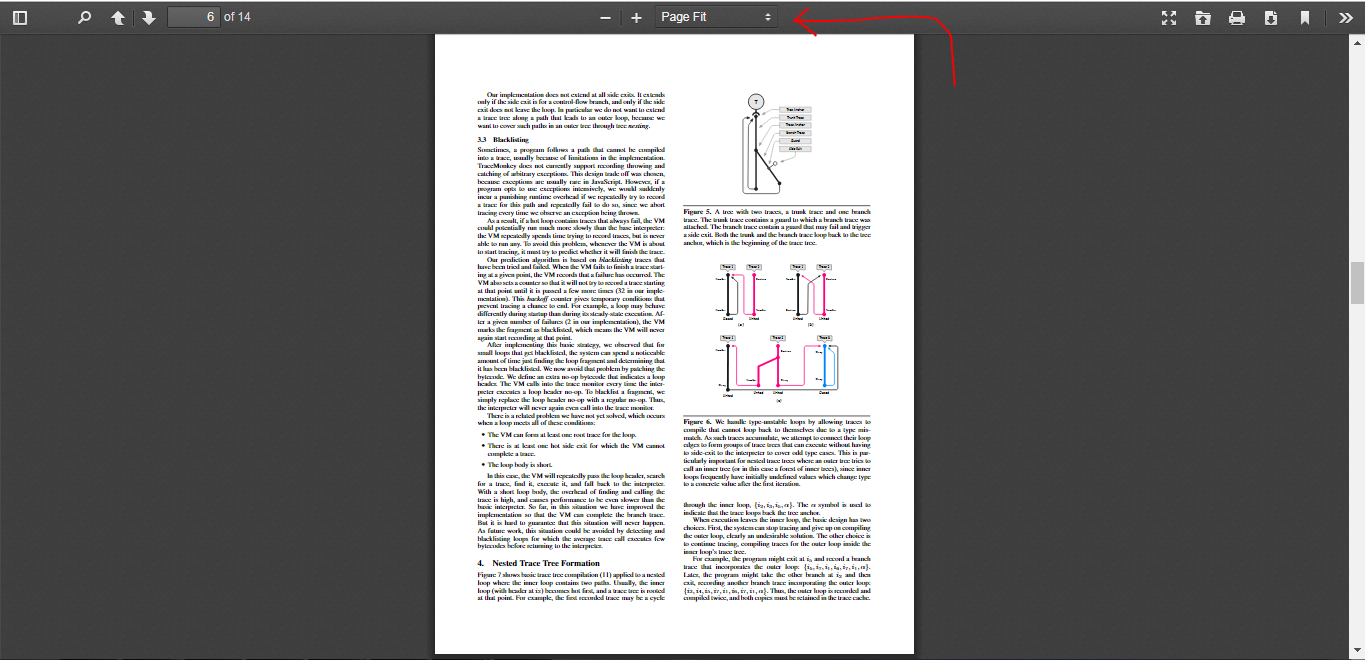
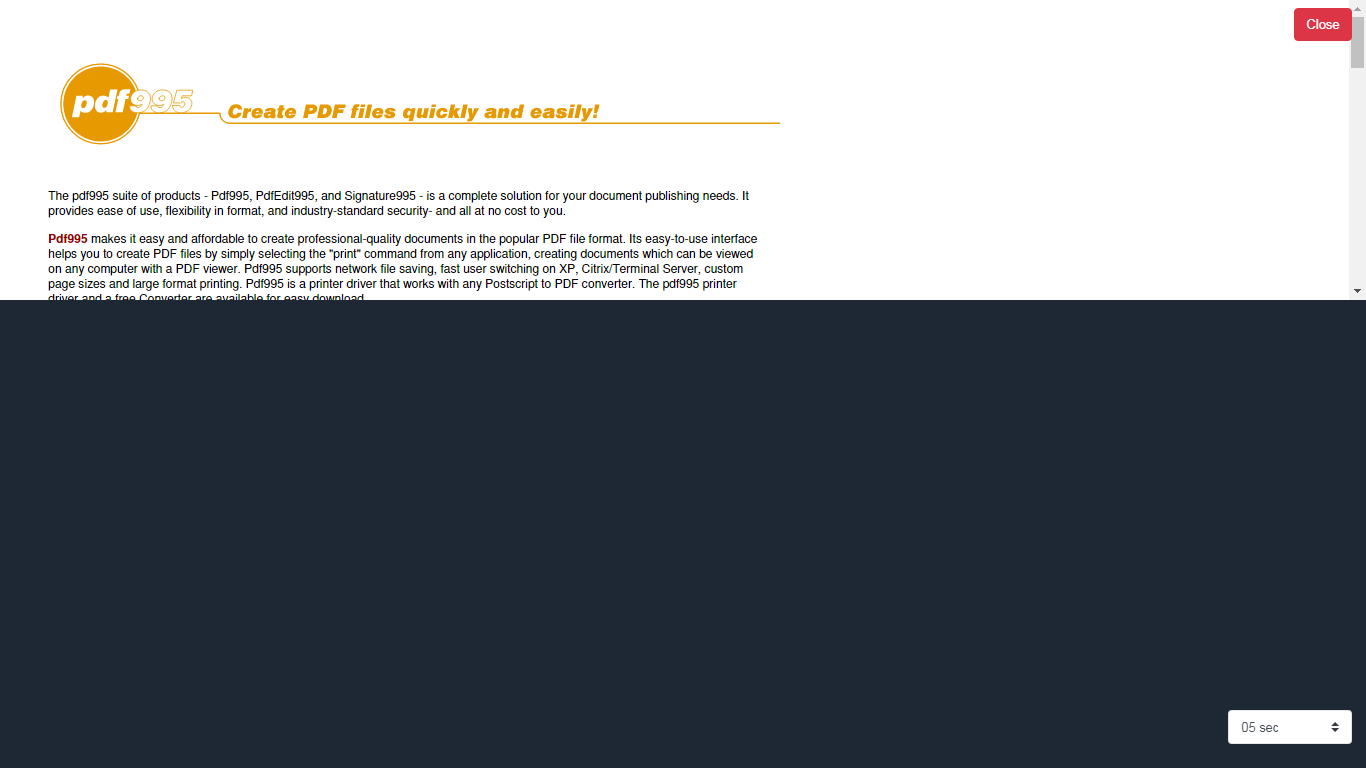
I have used fit-to-page with certain other configs. But every time it fits with the width. I like to fit the PDF with the height, so whole PDF page can be viewed without scrolling in the container.
Here is what, I have got right now:
My code snippet is as follows:
            <div id="pdfContainerDiv" style='height: 300px;'>
              <pdf-viewer
              [src]='"./assets/images/userFiles/" + file.fileName'
              ([page])=1
              [render-text]='false'
              [original-size]='true'
              [fit-to-page]='true'
              style="display: block; height: 300px;"
              (after-load-complete)='afterLoadComplete($event)'
              (page-rendered)='pageRendered($event)'
              (pageChange)='pageChange($event)'

              ></pdf-viewer>
           </div>
Let me know how can I show full page with complete height in that 300px container.
Issue Analytics
- State:

- Created 4 years ago
- Comments:6 (1 by maintainers)
 Top Results From Across the Web
 Top Related Medium Post
 Top Related StackOverflow Question
 Troubleshoot Live Code
 Top Related Reddit Thread
 Top Related Hackernoon Post
 Top Related Tweet
 Top Related Dev.to Post
 Top Related Hashnode Post
After a lot of efforts and a
cssclue from VadimDez, I have found a way for making PDFs stretch to the height of container. I don’t know whether it is good approach or not, but it is working great in my scenario.cssin your mainstyle.scssorstyle.css:ng2-pdf-viewercomponent into your component like this:(page-rendered)event function to edit thecurrentScaleValueof thepdfViewer. Please check code below:In html file:
In your component file:
That’s it. Please note, you will notice a flicker or glitch when pdf is updated or browser screen is resized. It is because,
ng2-pdf-viewerchanging the height according the it’s settings and then when pdf page is rendered, we change it to thepage-fit. I hide the pdf for a while when it updates and then show after it loads the settings to thepage-fit.Definitely, there are some other good approaches to do this. But, this is the only one, I have found after a search of months.
@arunkg16021986 I worked on that project year before and now have no, how I have done it before. I think the preferred way will be to use a
booleanvariable initialized byfalseand then use it on thepdf-viewerto hide and then show the pdf when rendered withpage-fitstyle. Please check the example below, but please keep in mind, I have not tested this code. It is just to share in which way you should think to achieve it:Your Component:
Your HTML:
==============================================
I have set the
hidePdftotrueinsetTimeout()because it will take some milliseconds to update the pdf topage-fit. You check it in your code if it works fine withoutsetTimeout()or by increasing the time insetTimeout()to a bigger value.