Using TouchableOpacity to scroll a FlatList

See original GitHub issue

I am trying to implement a horizontally scrolling FlatList that is essentially a step-by-step ‘wizard’ ui. The FlatList (paging enabled, horizontal) has 3 to 7 items in the data array and I have ‘prev’ and ‘next’ buttons implemented with TouchableOpacity components in a separate view at the bottom of the screen. I have a custom View component that will represent the contents of each step.

Tapping next or prev should scroll to the next index in the FlatList. Using something like:

this.flatListRef.scrollToIndex({index: this.state.currentStepIndex - 1, animated: true});

If I run with the Remote Debugger active, everything works fine. If I don’t use the debugger, tapping the ‘previous’ or ‘next’ TouchableOpacity buttons never returns (appears to be in an infinite loop). (I see the memory usage climb into the multiple GB territory.)

Is this a bug? Am I doing something wrong? Thank you in advance for your time!

Environment

Environment: OS: macOS High Sierra 10.13.4 Node: 9.7.1 Yarn: Not Found npm: 5.6.0 Watchman: 4.9.0 Xcode: Xcode 9.3 Build version 9E145 Android Studio: 3.1 AI-173.4720617

Packages: (wanted => installed) react: ^16.3.0-alpha.2 => 16.3.0-alpha.2 react-native: ^0.54.2 => 0.54.2

Steps to Reproduce

Here’s my render method of the FlatList and NavView:

render() { console.log(‘Render newrequestscreen’, this.state) return ( <SafeAreaView style={baseStyles.safeAreaDark}>

    <FlatList
      ref={(ref) => { this.flatListRef = ref; }}
      scrollEnabled={false}
      initialNumToRender={2}
      initialScrollIndex={0}
      refreshing={false}
      pagingEnabled={true}
      horizontal
      getItemLayout={(data, index) => (
        {length: Dimensions.get('window').width, offset: Dimensions.get('window').width * index, index}
      )}
      data={this.state.flexItems}
      showsHorizontalScrollIndicator = { false }
      decelerationRate={0}
      snapToInterval={Dimensions.get('window').width}
      snapToAlignment={'center'}
      renderItem={({item, index}) => {
        return (
            <NewRequestInputView item={item} >
            </NewRequestInputView>
          )
        }
      }
      keyExtractor={(item) => item.type}/>
    {this.renderNewRequestInputView()}

</SafeAreaView>
);

}

// Here are my callback functions for onPress:

  _nextStep() {
    console.log('next tapped...', this.flatListRef)
    if (this.state.currentStepIndex < this.state.flexItems.length - 1) {
      this.flatListRef.scrollToIndex({index: this.state.currentStepIndex + 1, animated: true});
      this.setState({
        currentStepIndex: this.state.currentStepIndex + 1
      })
    }
  }

  _previousStep() {
    console.log('prev tapped...', this.flatListRef)
    if (this.state.currentStepIndex > 0) {
      this.flatListRef.scrollToIndex({index: this.state.currentStepIndex - 1, animated: true});
      this.setState({
        currentStepIndex: this.state.currentStepIndex - 1
      })
    }
  }

Expected Behavior

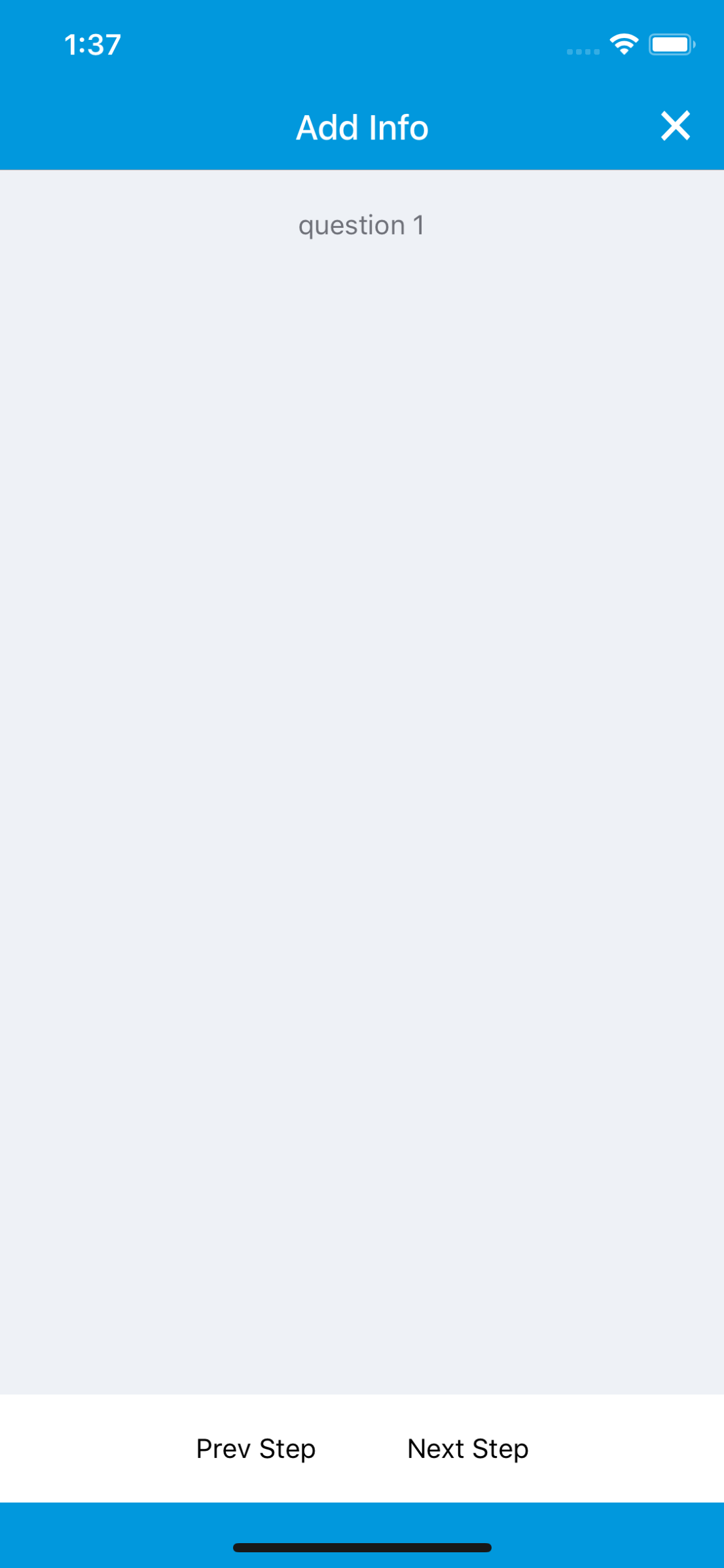
I would expect this to work without running in the debugger the same way it works when running in the debugger. Initial view: simulator screen shot - iphone x - 2018-04-26 at 13 37 42

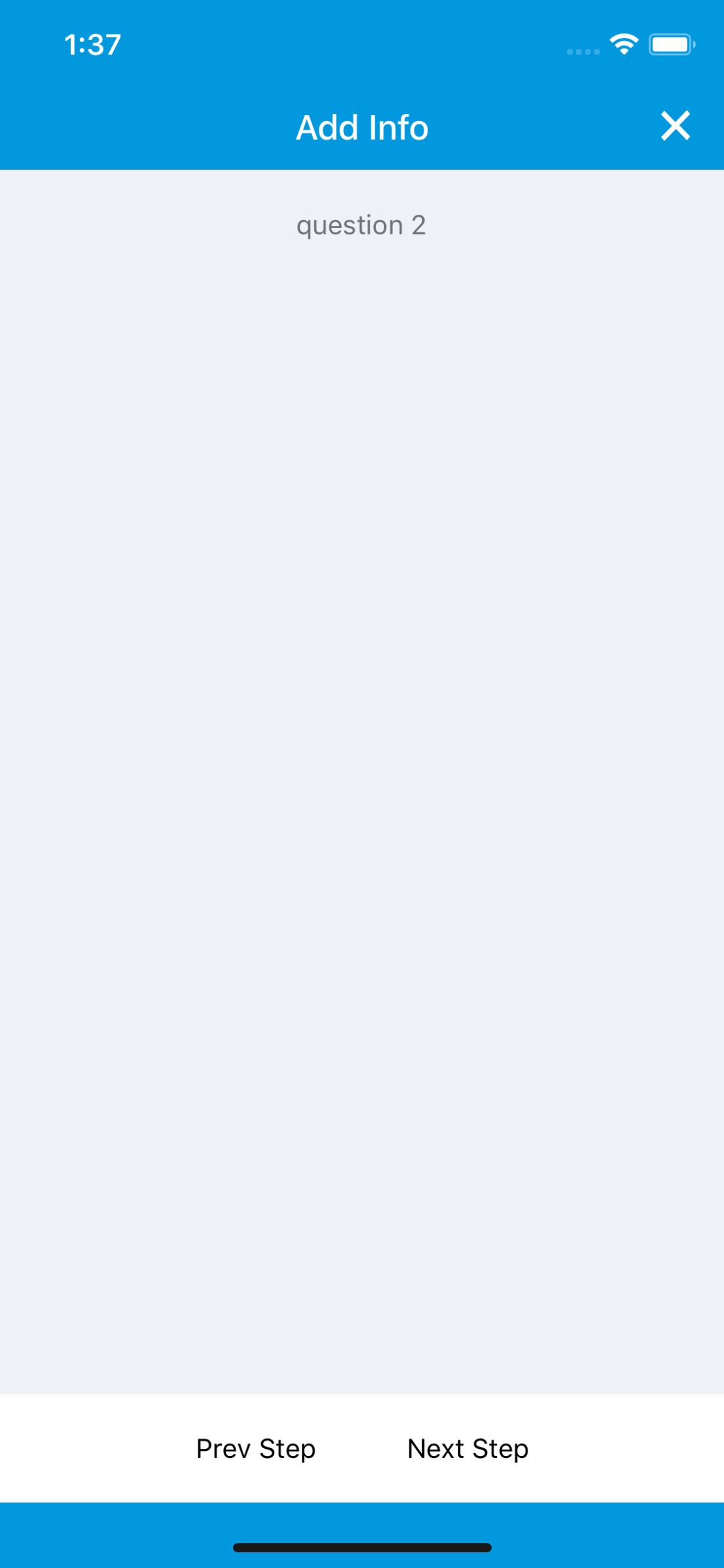
Tap Next: simulator screen shot - iphone x - 2018-04-26 at 13 37 46

Tap Next again: simulator screen shot - iphone x - 2018-04-26 at 13 37 51

Actual Behavior

Tapping on next (or previous) shows the press, but never comes back and the UI is no longer responsive: simulator screen shot - iphone x - 2018-04-26 at 13 36 25

Issue Analytics

  • State:closed
  • Created 5 years ago
  • Comments:6

github_iconTop GitHub Comments

4reactions
BryonAppscommented, May 1, 2018

Here’s the latest, I re-worked things slightly, re-started my machine, clean/build in Xcode & Android Studio. This code seems to be working:

  constructor(props) {
    super(props)

    this.state = {
      stepIndex: 0
    }

    this.currentStepIndex = 0;
    
    this.nextStep = this._nextStep.bind(this);
    this.previousStep = this._previousStep.bind(this);

    this.flexItems =  [
      { promptText: 'step 1', type: 'intro' },
      { promptText: 'step 2', type: 'location' },
      { promptText: 'step 3', type: 'pickList' },
      { promptText: 'Description:', type: 'longText' },
      { promptText: 'Provide a photo (optional):', type: 'photo' },
      { promptText: 'Review and Submit', type: 'review' }
    ];

    this.nextStep = this._nextStep.bind(this);
    this.previousStep = this._previousStep.bind(this);

    console.log('State: ', this.state);
  }

  render() {
    console.log('Render new request screen')
    return (
      <SafeAreaView style={baseStyles.safeAreaDark}>
        <View style={baseStyles.newRequestContainerView} >
        <View style={baseStyles.requestProgressView} >
          <Text style ={baseStyles.emptyListSubtitleText} > {this.flexItems.length == this.state.stepIndex ? 'Review & Submit' : 'Step ' + (this.state.stepIndex + 1) + ' of ' + (this.flexItems.length) }</Text>
        </View>
        <FlatList
          ref={(ref) => { this.flatListRef = ref; }}
          scrollEnabled={false}
          initialNumToRender={1}
          initialScrollIndex={0}
          refreshing={false}
          pagingEnabled={true}
          horizontal
          getItemLayout={(data, index) => (
            {length: Dimensions.get('window').width, offset: Dimensions.get('window').width * index, index}
          )}
          data={this.flexItems}
          showsHorizontalScrollIndicator = { false }
          decelerationRate={0}
          renderItem={({item, index}) => {
            if (item.type === 'intro') {
              return (
                <View style={baseStyles.swipeContainerView} >
                  <View style={baseStyles.swipeContentView} >
                    <Text style ={baseStyles.emptyListSubtitleText}>All About Potholes</Text>
                  </View>
                </View>
              )

            } else if (item.type === 'pickList') {
              return (
                <View style={baseStyles.swipeContainerView} >
                  <View style={baseStyles.swipeContentView} >
                    <Text style ={baseStyles.emptyListSubtitleText} >{item.promptText}</Text>
                  </View>
                </View>
              )
            } else  {
              return (
                <View style={baseStyles.swipeContainerView} >
                  <View style={baseStyles.swipeContentView} >
                    <Text style ={baseStyles.emptyListSubtitleText} >{item.promptText}</Text>
                  </View>
                </View>
              )
            }
          }}
          keyExtractor={(item) => item.type}/>
      </View>
      <View style={baseStyles.requestNavView}>
        <TouchableOpacity
          onPress={this.previousStep}
          style={requestComponentStyles.locationCaptureButton}>
          <Text style={requestComponentStyles.locationCaptureButtonText}>Prev Step</Text>
        </TouchableOpacity>
        <TouchableOpacity
          onPress={this.nextStep}
          style={requestComponentStyles.locationCaptureButton}>
          <Text style={requestComponentStyles.locationCaptureButtonText}> {this.state.stepIndex < this.flexItems.length - 1 ? 'Next Step' : 'Submit'}</Text>
        </TouchableOpacity>
      </View>

    </SafeAreaView>
    );
  }

  _nextStep() {
    console.log('next tapped...')

    if (this.currentStepIndex < this.flexItems.length - 1) {
      this.currentStepIndex = this.currentStepIndex + 1;
      this.flatListRef.scrollToIndex({index: this.currentStepIndex, animated: true});

      this.setState (
        {
          stepIndex: this.currentStepIndex
        }
      )

    } else {
      this._onDismissScreen();
    }
  }

  _previousStep () {
    console.log('prev tapped...')
    if (this.currentStepIndex > 0) {
      this.currentStepIndex = this.currentStepIndex - 1;
      this.flatListRef.scrollToIndex({index: this.currentStepIndex, animated: true});
      this.setState (
        {
          stepIndex: this.currentStepIndex
        }
      )
    }
  }
0reactions
BryonAppscommented, May 1, 2018

Update: If I change things so that my FlatList’s data and currentList props are not part of this.state, I can advance the scroll index via the TouchableOpacity press. The problem is, I would like to update the state so that a progress view shows the current step information (e.g. ‘Step x of y’).

Updating the state in the _nextStep() or _previousStep() functions shouldn’t cause an infinite loop condition, right? I thought the FlatList would only re-render when the data or extraData props changed. Like I said earlier, if I run in the debugger, I don’t go into an infinite loop.

Read more comments on GitHub >

github_iconTop Results From Across the Web

TouchableOpacity highlighting when scroll inside Flatlist
I have TouchableOpacity rendered inside the row item of Flatlist. I wanted to show a click effect when user click on the item....
Read more >
Horizontal Flatlist inside TouchableOpacity - How do I ... - Reddit
Inifinite scrolling onboarding animation made with reanimated 2.
Read more >
React Native Scroll Up or Down the ListView on the Click of ...
Scroll to the Top or Bottom of the ListView in React Native ... StyleSheet, View, FlatList, Text, TouchableOpacity, Image, } from 'react-native'; ...
Read more >
FlatList - React Native
FlatList. A performant interface for rendering basic, flat lists, supporting the most handy features: Fully cross-platform.
Read more >
What is Flatlist and how to use Flatlist in React Native - Folio3
Flatlist is the easiest way to render a scrollable list of items. We just have to pass the data (as an array) without...
Read more >

github_iconTop Related Medium Post

No results found

github_iconTop Related StackOverflow Question

No results found

github_iconTroubleshoot Live Code

Lightrun enables developers to add logs, metrics and snapshots to live code - no restarts or redeploys required.
Start Free

github_iconTop Related Reddit Thread

No results found

github_iconTop Related Hackernoon Post

No results found

github_iconTop Related Tweet

No results found

github_iconTop Related Dev.to Post

No results found

github_iconTop Related Hashnode Post

No results found